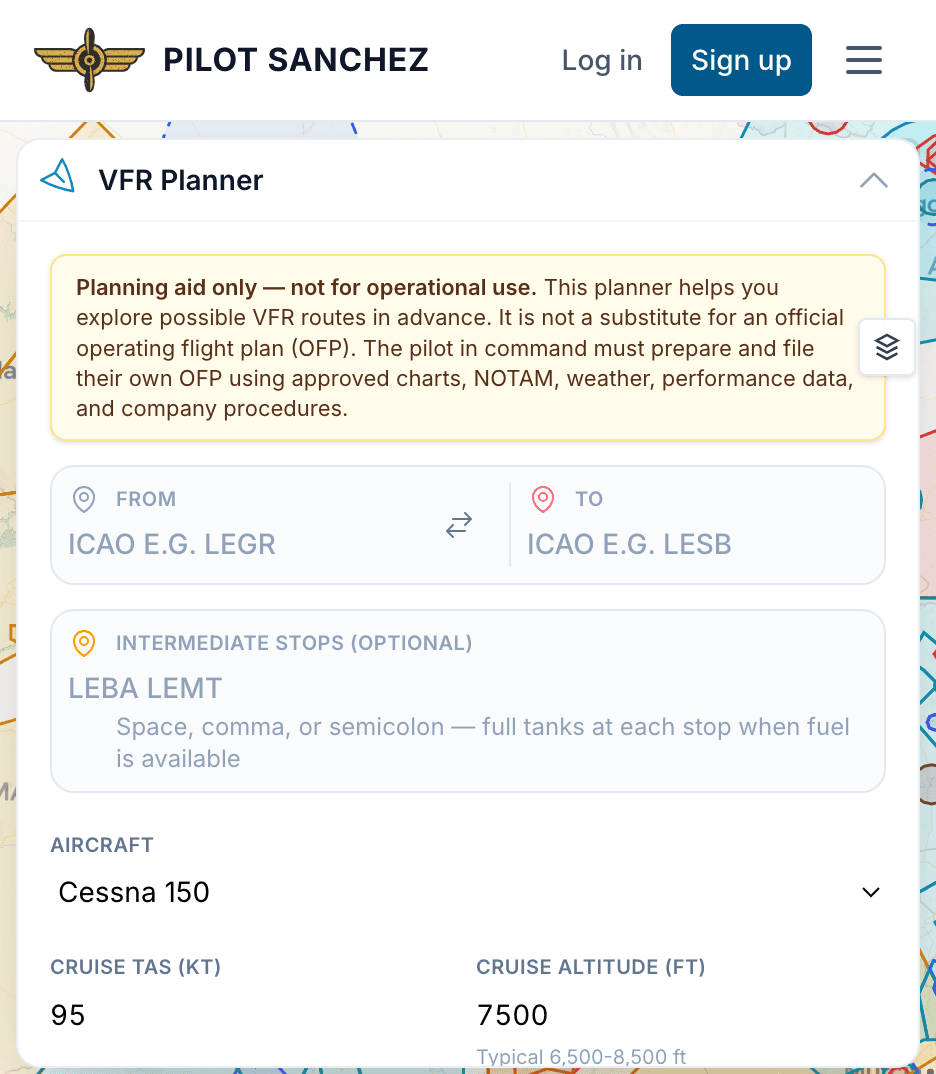
Pilot Sanchez Planner Tool Guide
Welcome to the Pilot Sanchez Planner Tool Guide! This guide will walk you through the essential functionalities of the planning tool available at Pilot Sanchez Planner. We'll cover how to map your route, calculate fuel requirements, and identify alternate airports, ensuring you have a smooth flight planning experience.
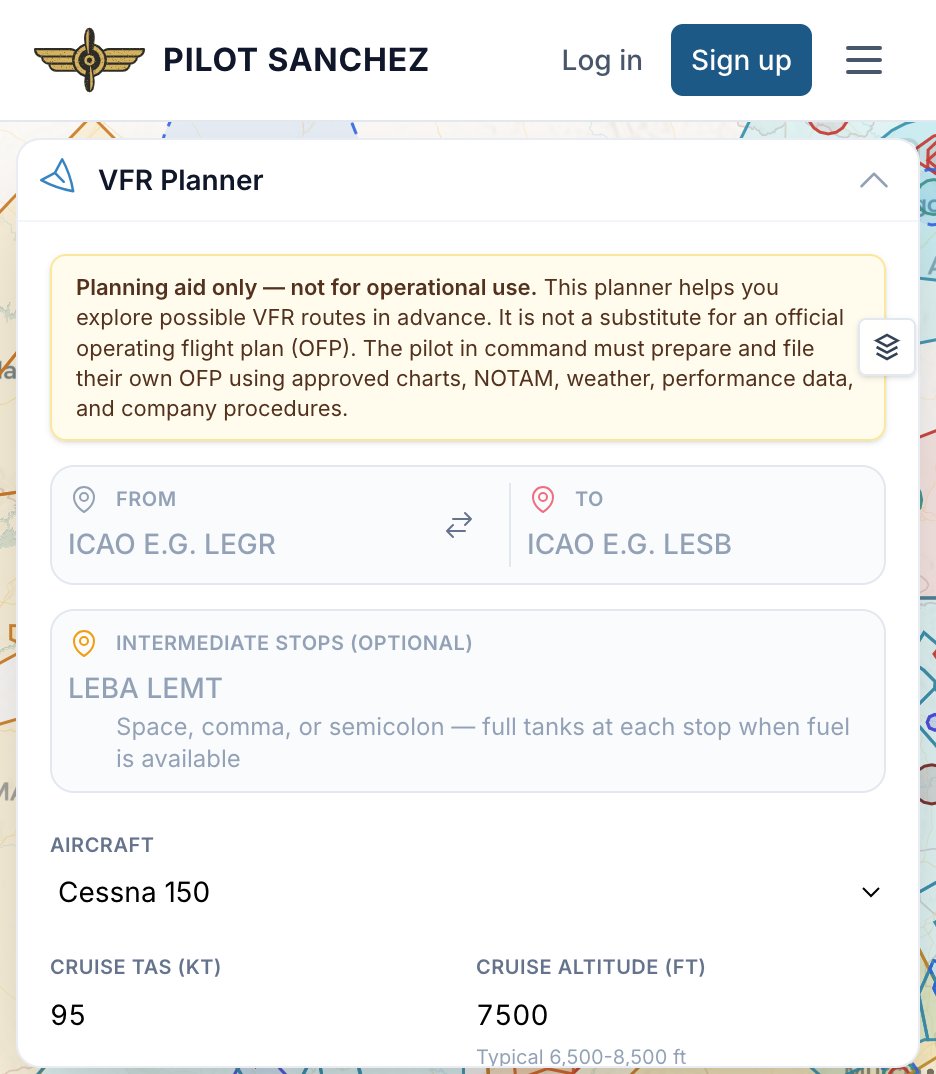
Practical Workflow
Step 1: Mapping Your Route
- Open the Planner Tool: Navigate to the Planner Tool on the Pilot Sanchez portal.
- Input Departure and Arrival Airports: Enter your departure airport (e.g., KJFK) and arrival airport (e.g., KLAX) in the designated fields.
- Select Route Options: Choose your preferred route. You can opt for the shortest route, the most fuel-efficient route, or a predefined route based on air traffic control preferences.
Step 2: Calculating Fuel Requirements
- Enter Aircraft Details: Select your aircraft from the dropdown menu. This will automatically populate the aircraft's fuel consumption data.
- Input Flight Parameters: Enter your planned cruising altitude and any known delays that may affect your flight time.
- Review Fuel Calculation: The tool will provide an estimate of the total fuel required for your trip, factoring in reserves, alternate airports, and contingencies.
Step 3: Identifying Alternate Airports
- Access Alternate Airport Section: Navigate to the alternate airport section within the Planner Tool.
- Input Criteria: Set parameters such as maximum distance from your primary destination and weather conditions.
- Review Recommendations: The tool will suggest alternate airports that meet your criteria, including distance and available services.
Step 4: Finalizing Your Plan
- Review the Entire Flight Plan: Check all sections of your plan for accuracy, including route, fuel, and alternates.
- Save or Print Your Plan: Once satisfied, save your flight plan or print it for your records and in-flight reference.
Common Mistakes to Avoid
- Incorrect Airport Codes: Always double-check your airport codes. An incorrect code can lead to significant planning errors.
- Neglecting Weather Data: Failing to account for current and forecasted weather conditions can lead to underestimating fuel requirements or missing alternate options.
- Overlooking Fuel Reserves: Ensure you include fuel reserves in your calculations. It’s critical for safety and compliance with regulations.
- Skipping Alternate Airports: Always plan for alternates, especially in regions prone to sudden weather changes or air traffic congestion.
- Not Updating Aircraft Information: Ensure the aircraft details are current, as fuel consumption rates can vary based on aircraft configuration and load.
Aircraft-Specific Guides
For more tailored information based on specific aircraft, visit the following links:
These guides provide additional insights into performance characteristics, fuel consumption, and specific considerations for each aircraft type.
Using Pilot Sanchez
- User-Friendly Interface: The Planner Tool is designed for ease of use, allowing for quick navigation and data entry.
- Real-Time Data: Enjoy access to real-time weather updates and NOTAMs to enhance your planning accuracy.
- Customizable Options: Tailor your flight plans based on personal preferences and regulations.
- Comprehensive Resources: Access a wealth of guides and resources to enhance your flight planning skills.
- Support Community: Engage with fellow pilots and instructors for advice and shared experiences.
With this guide, you're well-equipped to make the most of the Pilot Sanchez Planner Tool. Happy flying!